![triaster-logo-hex.svg]](https://knowledge.triaster.co.uk/hubfs/TRIASTER/img/triaster-logo-hex.svg)
To change an input's lifecycle stage you must be the input's Owner or have the input assigned to you
- Click on the Inputs menu option found at the top right-hand side of the screen.
- Click on an input that you either own, or is assigned to you.
- Scroll to the Manage This Input section on the right-hand side of the screen.
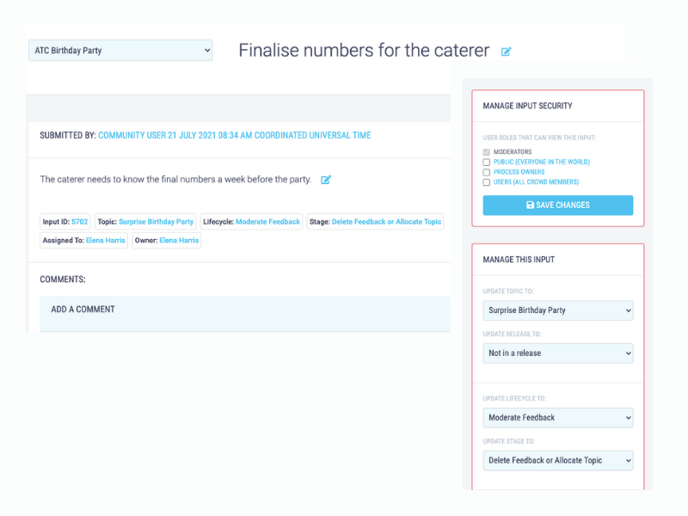
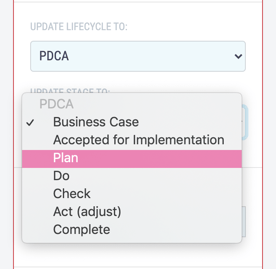
- Click on the drop down box Update Stage To.
- Select the relevant lifecycle stage.This will save automatically.