Out of the box, there are five roles built-in to Suggestion Box platform, each with specific permissions.
These permissions cannot be changed, however new bespoke roles can also be set up, and any of the permissions or Features available can be granted to a bespoke role.
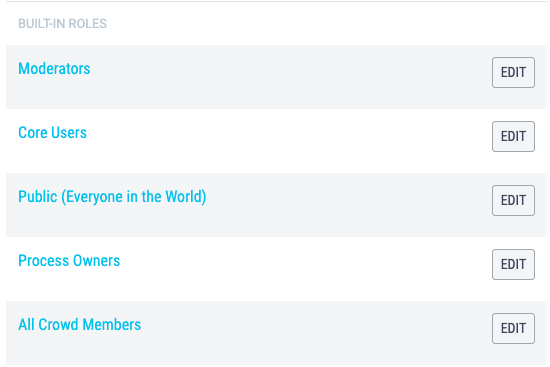
| Built-in Roles | Permissions and Purpose |
|---|---|
| Moderators |
Moderators are able to moderate any inputs. Their role is to review all inputs as they are received. Moderators can:
|
| Public | The Public is everyone in the world. Permissions cannot be granted to the Public who are best thought of as a security group. If you want to make an input entirely public, so that it can be shared outside Suggestion Box set it's input security to Public (Everyone in the World). |
| Process Owners |
Process Owners are able to:
The only feature or permission not granted to the Process Owner is 'Feedback moderation' as this is the Moderators role. The Process Owner who sets up Suggestion Box will however be automatically assigned the role Moderator by Suggestion Box. A process owner should be thought of as the person who is accountable for the inputs which are assigned to them. The buck stops with them. |
| All Crowd Members |
As with the Public, permissions cannot be granted to All Members who are again best thought of as a security group. If you want to make an input visible to everyone in the Crowd, set it's input security to All Members. All Members can:
|
| Core Users |
Your Core Users are likely to be the people you work with on a day-to-day basis, which may not be everyone in Suggestion Box. Core Users are the users you pay for in Suggestion Box, which means they are able to:
Think of your Core Users as the people you need to complete your process. |