Add an Author or Viewer Note
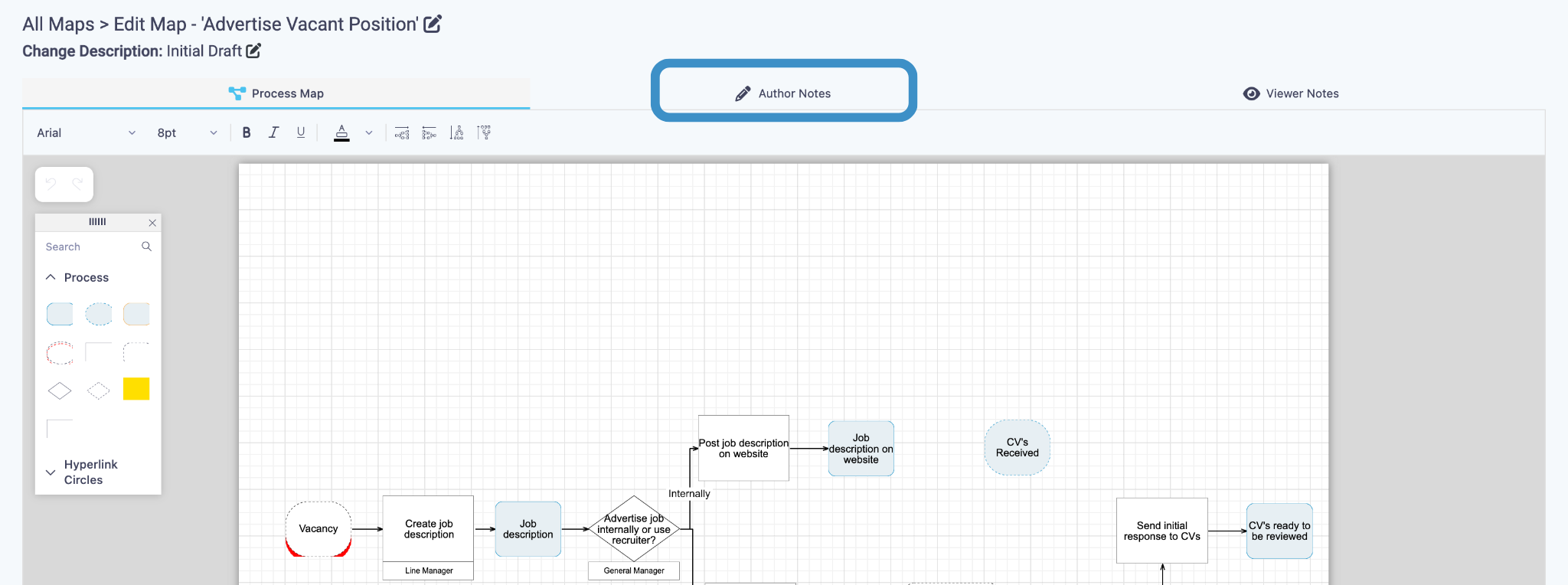
- Add a note to Authors by clicking on the Author Note tab at the top of the page.
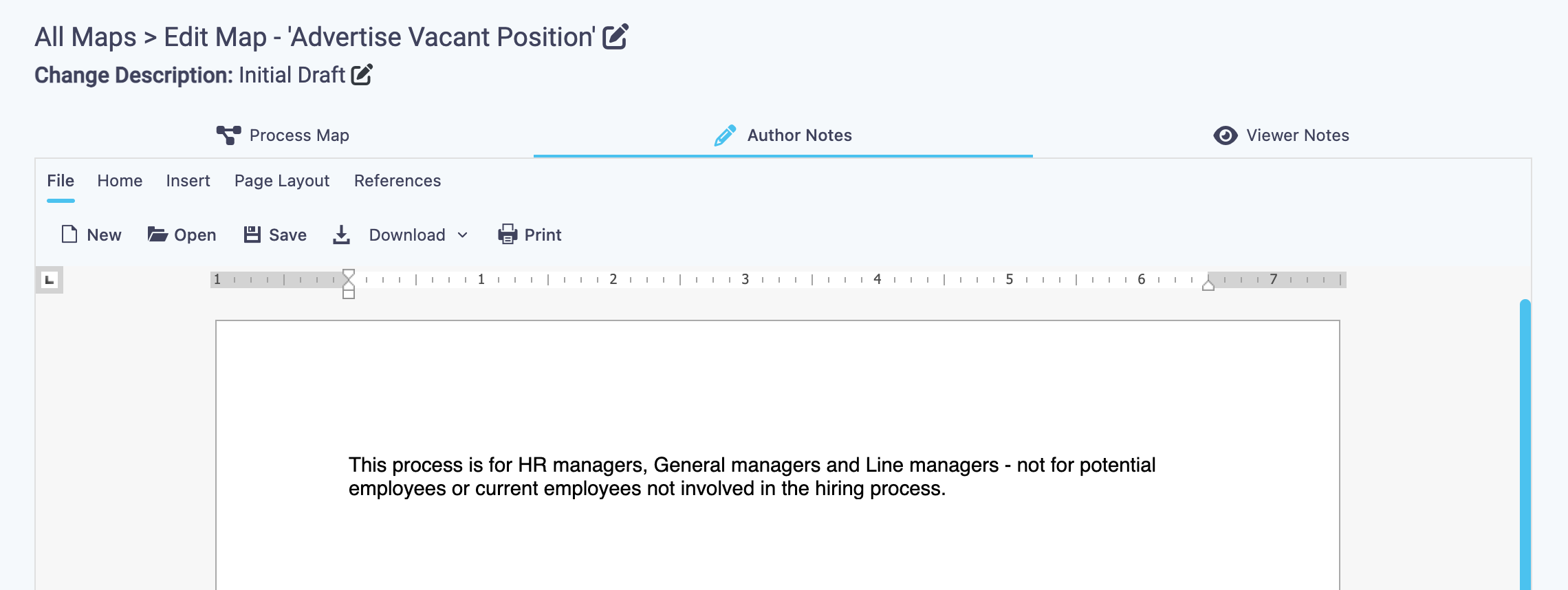
- Notes added here can be viewed by other Authors if they create a draft of this map to edit.
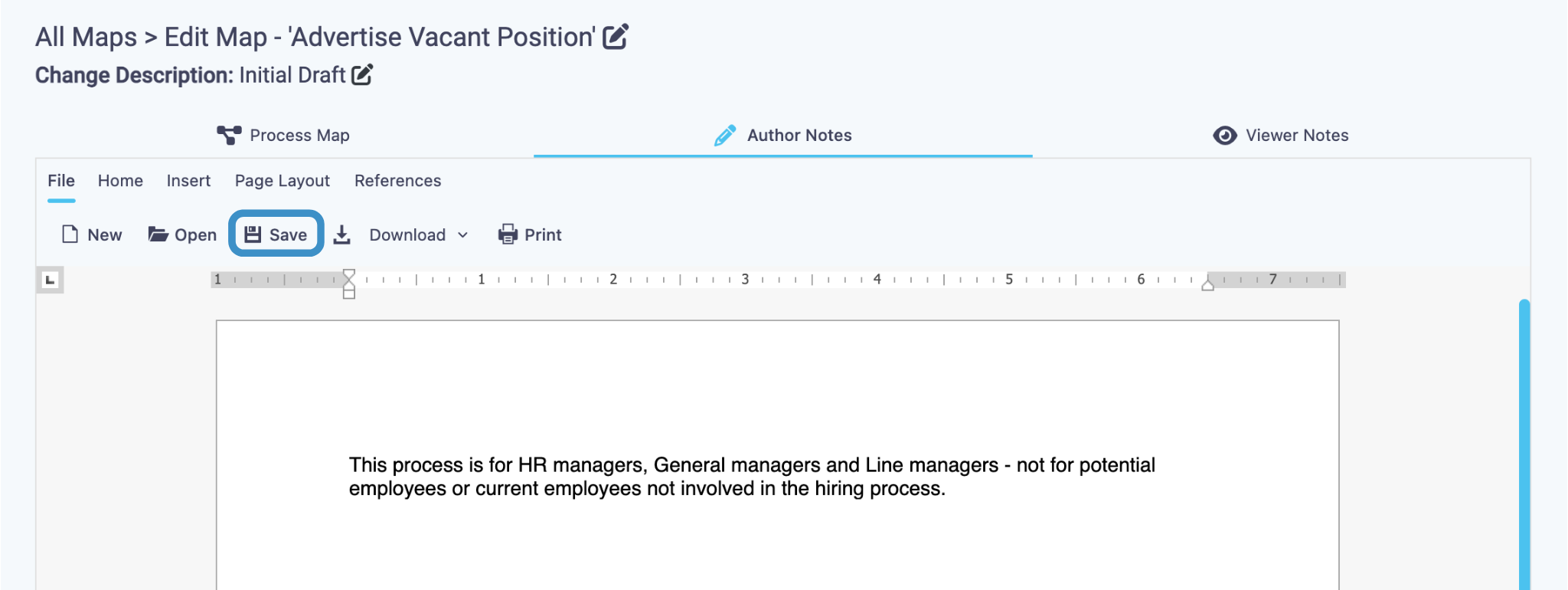
- Click Save to save your note for Authors to view.
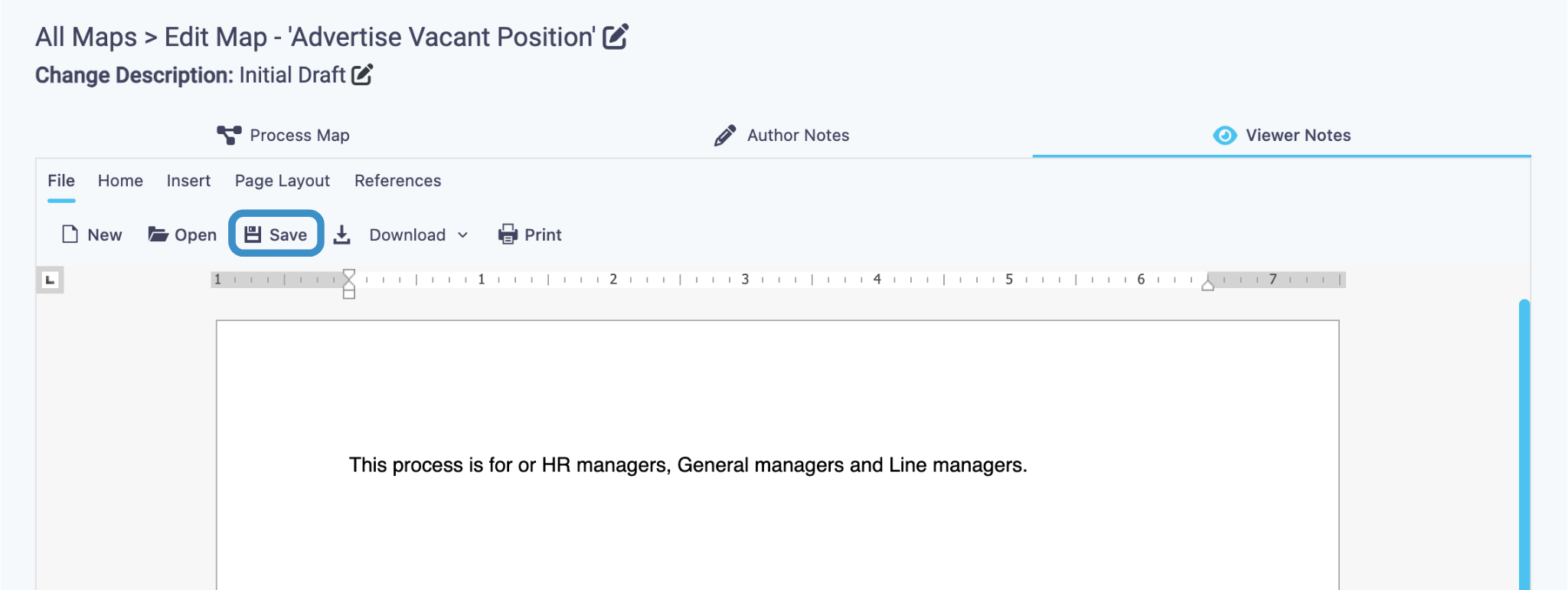
- Add a note to Viewers by clicking on the Viewer Note tab at the top of the page.
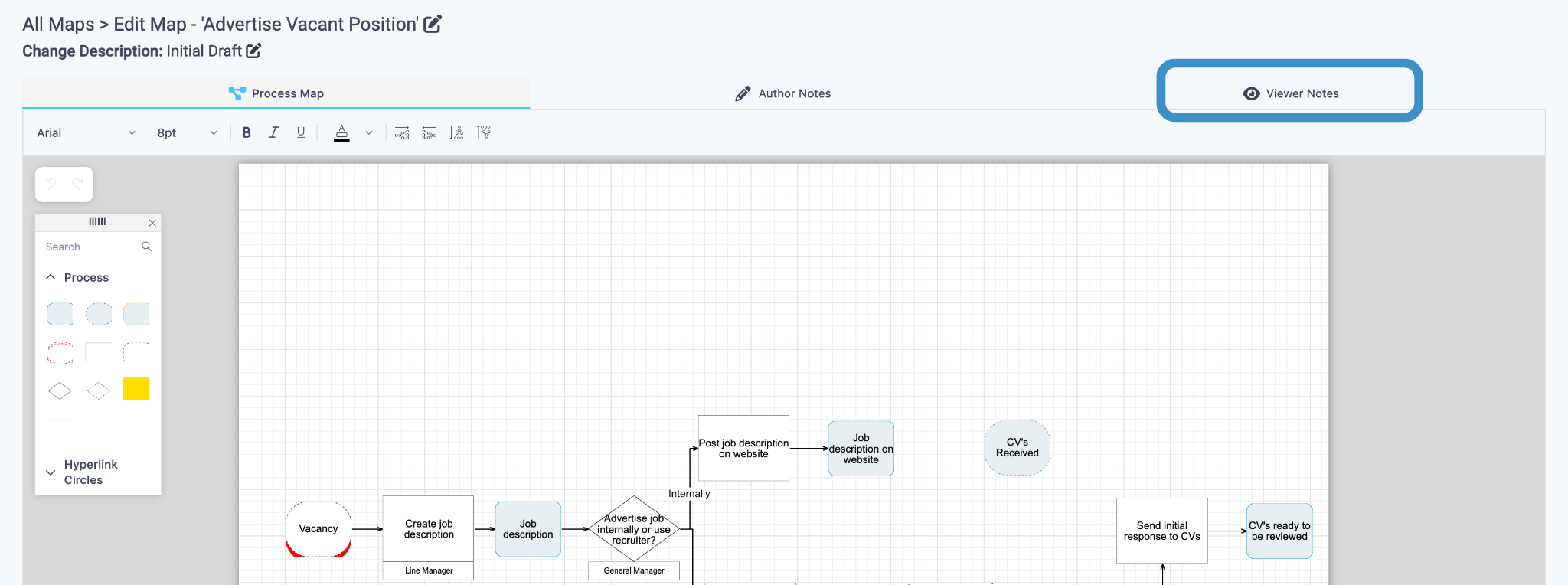
- Notes added here can be viewed by end-viewers in the library.
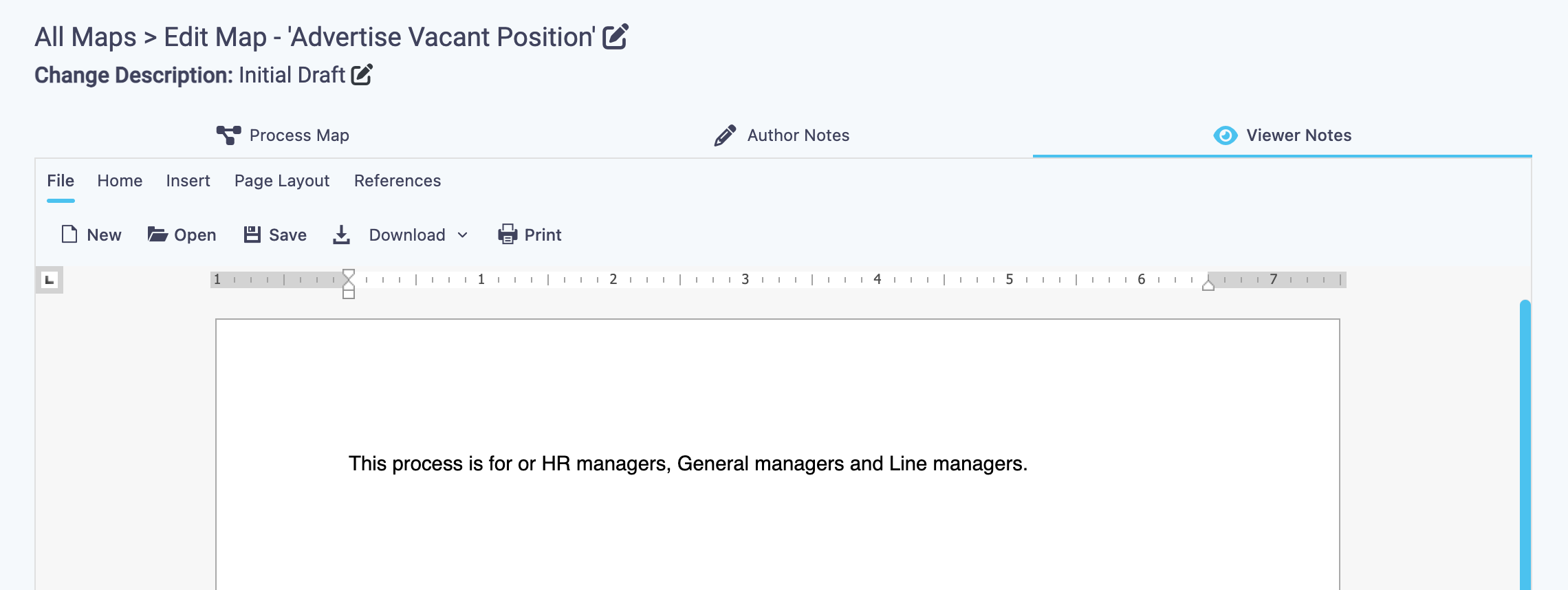
- Click Save to save your note for Viewers.