Admins can update multiple property values or bulk update process maps by Exporting your process maps to Excel and changing the values in Excel. Once these changes have been made Admins can then import the updated Excel spreadsheet into the Triaster QMS, updating all the values.
As standard, only Admins can import process maps.
System Properties in Triaster QMS cannot be updated, if they are changed in Excel they won't be updated on import.
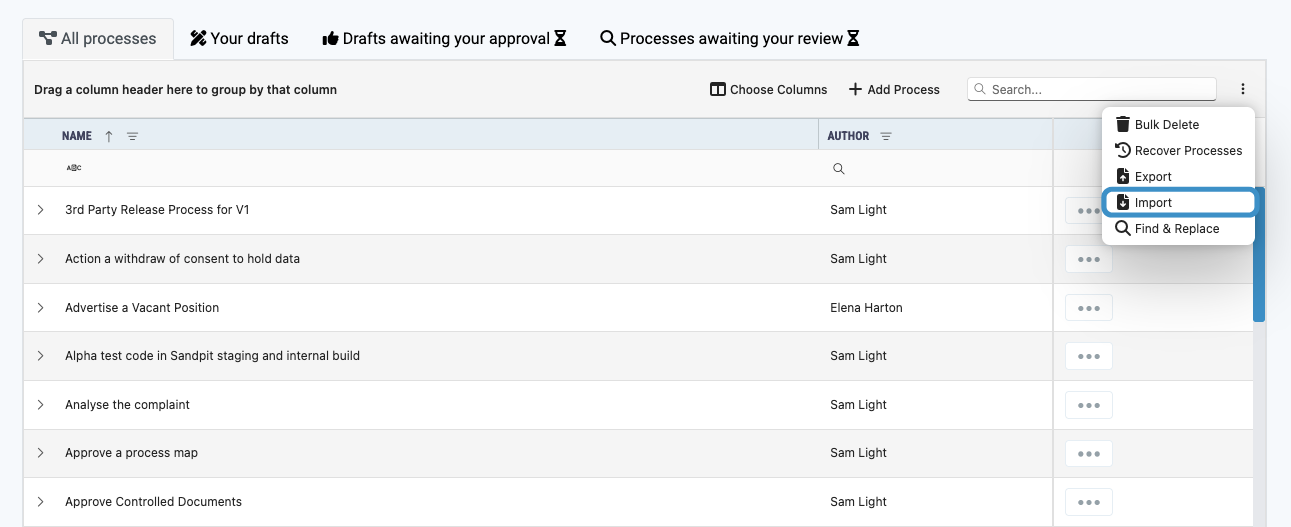
To import the updated process maps go to the Process Maps list:
- Choose the Import option from the dropdown menu.
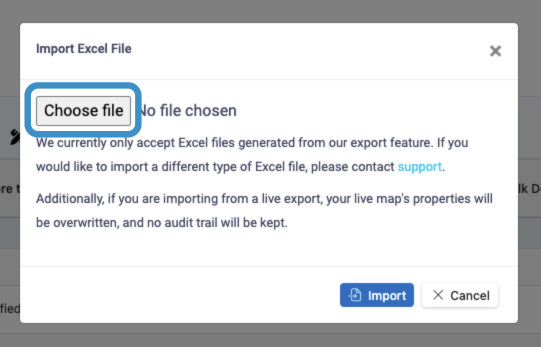
- Click Choose File and choose the updated file from your files.
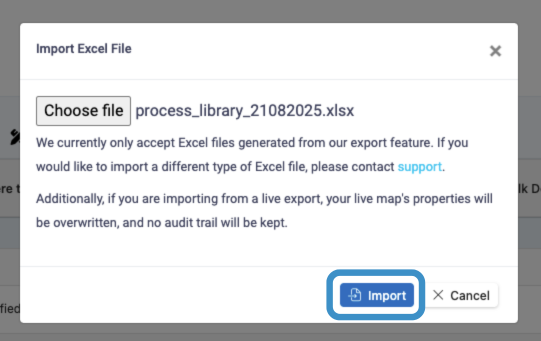
- Click Import.
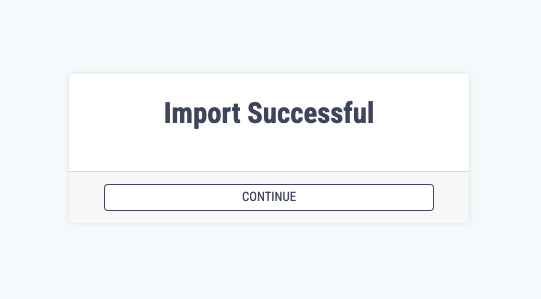
- You will be taken to the import success screen, click Continue to be taken back to the process maps list.
If you have changed a value in the spreadsheet to a brand new value then this will be added to the relevant Answer Set on import.